
MATEEN SOLUTIONS / Resellers
Build the range your customers come for.
Top up familiar lines, explore new categories and plan your next stock order. Start with the products your customers ask for, then bring the codes, options and quantities together.

01 / Choose your starting point
What does your shop need next?
Choose an immediate restock, a new category or a repeat-order list. Explore the products, then confirm the exact options and availability with the team.
Top up the lines you already carry.
Compare bulbs, sockets and downlights against your current stock list. Keep product codes, finishes and light colours clear so the next order matches what your customers expect.

Filament Bulb E27 4W Daylight Clear — LE 0427-FI-DL
3,700.00 TZS
View product & options
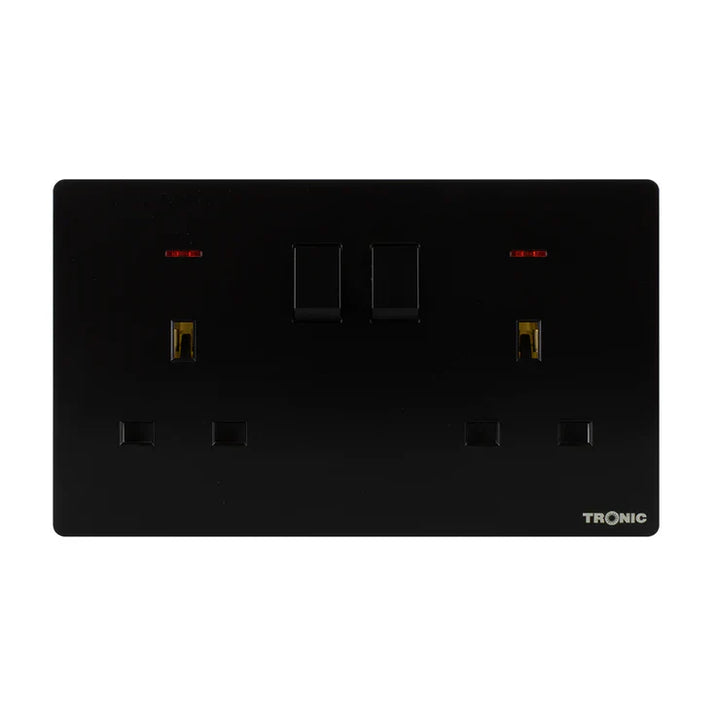
Premium Double Outlet — TS 5213
14,500.00 TZS
View product & options
Downlighter LED 7 Watts Tri Colour — EL SL07-RGB
15,500.00 TZS
View product & optionsSend the product code or a label photo, the exact option and the quantity for each line. Flag anything that must match your existing stock.
Give customers more to choose from.
Explore decorative lighting, fans and water heaters alongside the categories you already sell. Use customer requests and the space in your shop to decide what to compare next.

Pendant Light E27 Beige — PL WD25-32
68,000.00 TZS
View product & options
Wall Fan 16 Inch — EST WF16
134,000.00 TZS
View product & options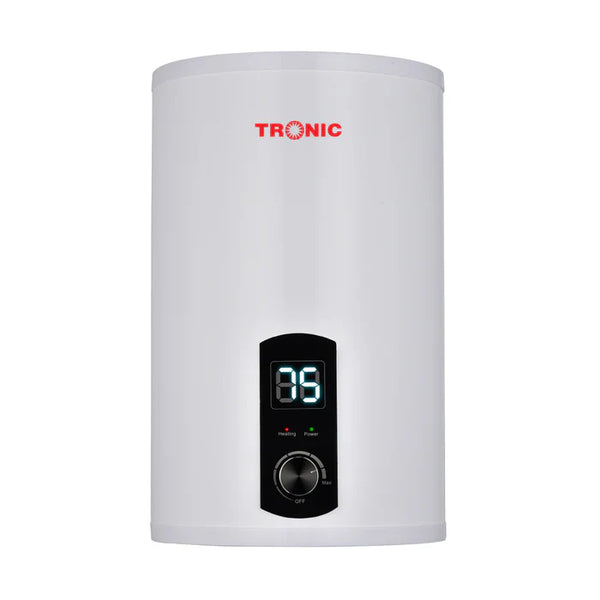
Water Heater Boiler 30 Liters — WT 1030
385,000.00 TZS
View product & optionsTell us what you sell now, which categories you want to add and the models you are considering. Ask about product options before choosing quantities.
Make the next stock list easier to repeat.
Bring recurring cable, distribution and protection lines into one clear list. Keep the exact model, rating and unit against each item, and review the quantities before every order.
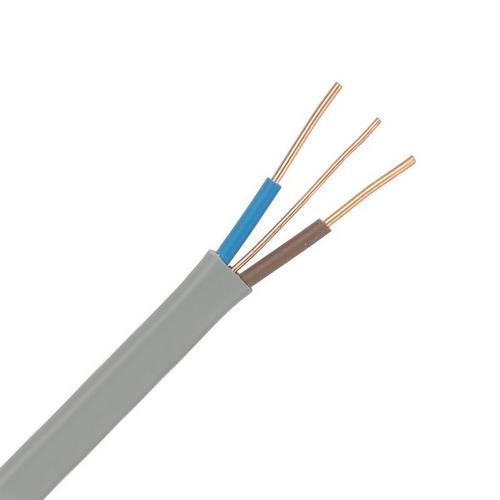
Power Cable Twin Grey — MT TWNE-SD-0025
4,300.00 TZS
View product & options
Weatherproof ABS TPN 36-Way Distribution Board, IP66 -Empty — DB WP66-36
247,000.00 TZS
View product & options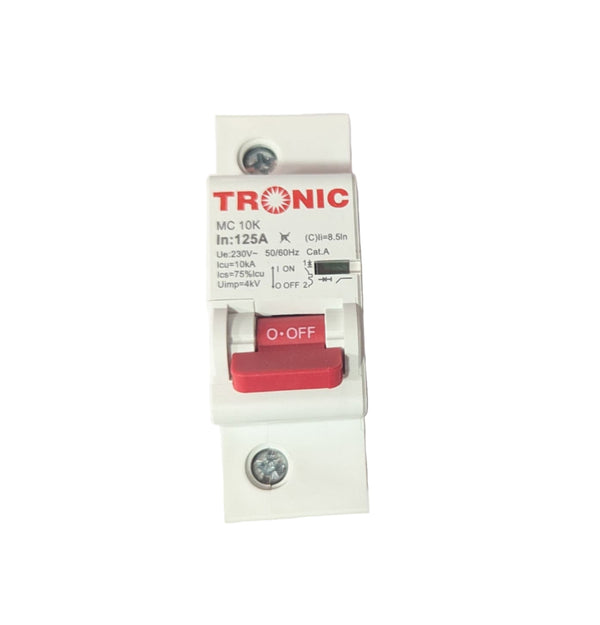
MCB – Single Pole 10KA Miniature Circuit Breaker 125A — MC 10K125
15,500.00 TZS
View product & optionsSeparate this order from future requirements. Include product codes, units, quantities and target dates; ask the team to confirm availability each time.
These are starting points from our range. Check the exact product options and have your installer confirm any technical requirements.
02 / Plan your purchase
From a stock list to a confirmed order.
A clear list helps your shop and the Mateen team work from the same details.
Share your shop and stock list
Send your business name, location and purchasing contact, with product codes, selected options, units and quantities. Separate restocks from new lines you want to explore.
Discuss your business account
Ask about company registration and Entry and Growth pricing for resellers. The team can confirm the account requirements and pricing applicable to your order.
Confirm each order
Check the final products, quantities, prices and availability. Agree payment and collection or delivery arrangements before placing the order, and keep the confirmed product references for next time.
Questions before you order
How do I ask about reseller pricing?
Share your company details and intended stock list with the team. Ask about business registration and Entry and Growth pricing; confirm the applicable products, requirements and prices for your order.
What should I include in a repeat order?
Use the product codes and options from your previous order, then update quantities and required dates. Flag exact-match items, check availability and review any alternatives before confirming the new order.
03 / Talk to Mateen
What would you like to stock next?
Send a restock list or tell us which category you would like to add to your shop.
Start with our shopping assistant
Prefer email? sales@mateen.co.tz
Useful details to bring
- Business name, location and contact
- Product codes, options, units and quantities
- Required date and exact-match items